Examples
Example: connect an MCP server
Discover remote tools and assign only the capabilities an agent needs.
Add the connector
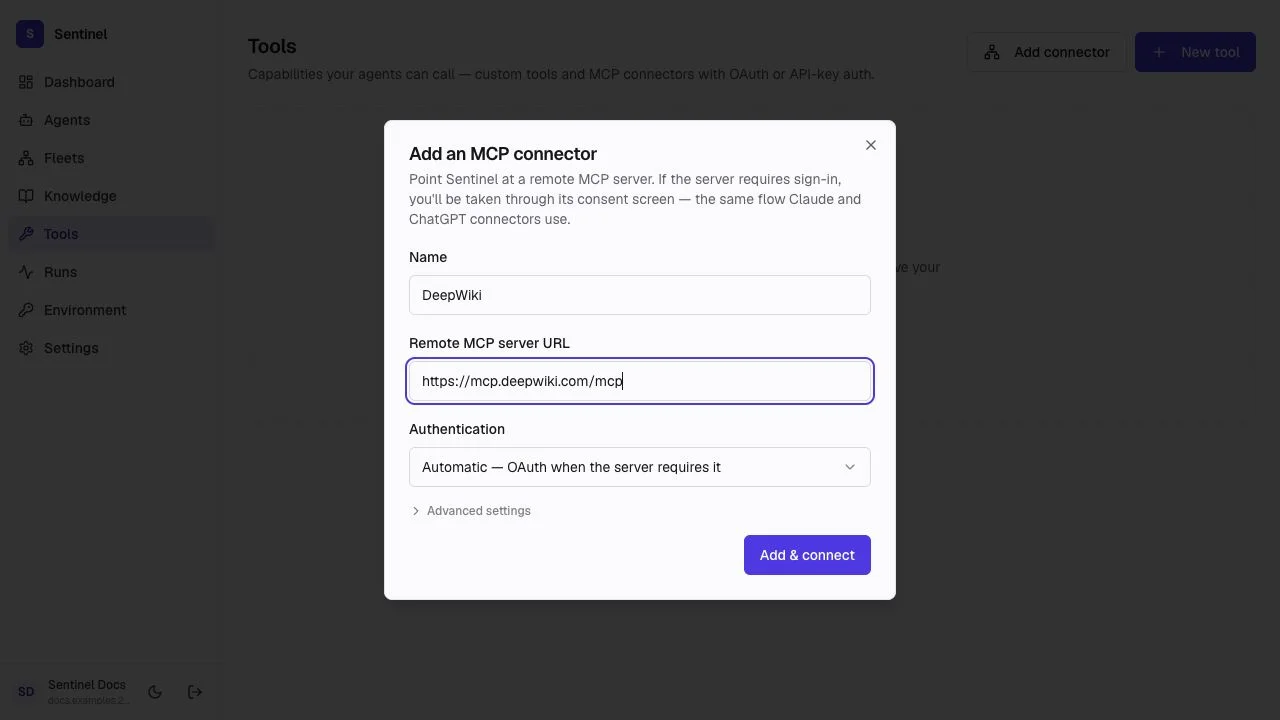
From Tools, choose Add connector. Enter a recognizable name and the server's exact HTTPS MCP endpoint.
Authenticate and discover
- 1
Choose authentication
Automatic uses OAuth when the server requires it. API-key mode sends the credential in the configured header. - 2
Connect
Complete consent if prompted. Sentinel stores credentials and discovers the server's tools. - 3
Review
Read each tool name, description, and input contract before assignment.
Test and assign
- Run a harmless test call with representative inputs.
- Confirm timeouts and error messages are understandable.
- Assign only the needed tools to the target agent.
- Add human approval before sensitive or irreversible tool calls.